
Every service business owner has been pitched some version of “automate everything.” The pitch usually involves a fancy tool, a dashboard, and a promise that a tedious task will disappear. Six months later, the dashboard is dusty and the tedious task is still being done by hand, sometimes worse than before because it now has to be done in addition to maintaining the broken automation.
The pattern is consistent and the cause is consistent too: people buy tools before they map workflows. They start with “what can Zapier do” instead of “what am I doing that is repeatable, slow, and prone to mistakes.” Map first, build second. The mapping is the work; the building is the easy part.
This post walks through how to map your business’s workflows, identify the right automation candidates, pick the right tool, and avoid the four most common automation mistakes.
The mapping is the work
A workflow map is a list of every repeatable thing your business does in the order it happens. Not “what could be automated”, what is actually happening today, by whom, with what tool, taking how long.
For a typical service business, the high-level workflows are:
- Lead intake
- Quote / proposal
- Booking and scheduling
- Job execution
- Invoicing
- Payment collection
- Follow-up and review request
Each of these has substeps. For lead intake: where does the lead come from, who reads it, what platform stores it, what triggers the first reply, how is the reply tracked. Most owners can answer the first two and start guessing at the third. The guessing is the signal, that is the workflow that breaks under load.
How to map
Open a blank page. Pick one workflow. Write every step in order, with: the person doing it, the tool used, the rough duration, and what triggers the next step.
The mapping takes 30 to 60 minutes per workflow. Do it without trying to fix anything. The fix happens later. First, see clearly.
Identifying automation candidates
Once you have the maps, score each step on three dimensions:
- Frequency: Does this happen daily, weekly, monthly, or rarely?
- Variability: Does this step look the same every time, or does it require judgment?
- Pain: Is this step tedious, error-prone, or a known bottleneck?
Automation candidates are: high frequency, low variability, high pain. A step that happens 50 times per month, always looks the same, and frustrates you when you do it, that is automation gold.
Counter-candidates: low frequency or high variability. Automating a once-per-quarter task that takes 15 minutes saves you an hour a year. Automating a step that requires judgment usually means automating the wrong-judgment outcomes, which costs more than the time saved.
The four most common automation mistakes
Mistake 1: Automating before standardizing
If the manual version of a step has six variations because three people do it differently, the automation is going to break or it is going to enforce one of the variations and break the other two. Standardize the manual version first. Get every variation aligned on one way. Then automate the aligned version.
Mistake 2: Automating the wrong end of the process
Lead intake is exciting and gets automated first. Payment collection is boring and gets automated last. This is backwards. Payment collection is high-frequency, low-variability, high-pain, the textbook candidate. Lead intake usually has more variability than people think (every lead is a person, every person needs a slightly different reply) and is a worse early target.
Start from the back of the workflow (post-job, billing, follow-up). Work backward toward the front. The early wins are at the boring end.
Mistake 3: Building the perfect Zap before testing the rough one
The temptation is to build the elegant ten-step automation that handles every edge case. The reality is the elegant version takes three weeks to build, two days to debug per release, and breaks silently on the eleventh edge case nobody anticipated.
Build the rough version first. Three steps. Manual gates between them. Run it for two weeks. The real edge cases will surface. Then automate the gates, one at a time, only after seeing them in the wild.
Mistake 4: No monitoring
An automation that runs without monitoring is an automation that breaks in silence. Every automation needs: a log (where did it run, with what input, with what output), an alert (when it fails, you know within an hour), and a health check (some scheduled test that confirms it is still running).
Make.com and Zapier both have basic monitoring; both have email alerts on failure. Turn them on. If you build a custom workflow in code, add logging and a weekly summary email to yourself.
Picking the right tool
Three tiers of automation tools, in order of complexity.
Tier 1: Native platform automations
Most platforms have built-in automation: QuickBooks recurring invoices, Calendly post-booking emails, Gmail filters and templates, Etsy message templates. These are free, reliable, and integrated. They do one thing well within one platform.
Start here. A surprising amount of automation can be done without ever opening Zapier.
Tier 2: No-code automation platforms (Zapier, Make.com, n8n)
These connect platforms to each other. Etsy order to Airtable record. Calendly booking to QuickBooks customer. Stripe payment to a Google Sheet log. The strength is connectivity; the weakness is debugging cost when something breaks across multiple platforms.
Zapier is the most popular, easiest to learn, most expensive at scale, and most limited in branching logic.
Make.com is more visual (a flow-chart interface), more powerful per dollar, has a steeper learning curve, and handles complex branching well. Villex Co uses Make.com for the more complex workflows.
n8n is open-source, self-hosted, free if you can run a server, more powerful than both, requires technical comfort.
For a service business under $1 million in annual revenue, Make.com on the $9-per-month Core plan covers most needs.
Tier 3: Custom code (Python, JavaScript, serverless functions)
When the workflow is unique enough that no platform integration exists. When the volume is high enough that no-code platforms become expensive. When the logic is complex enough to be brittle in a visual editor.
Most service businesses never need this tier. The 95th percentile of automation needs is satisfied by Tier 1 and Tier 2 combined.
A worked example: invoice reminder automation
Take a single workflow end-to-end: automating overdue invoice reminders.
Manual version: Pull QuickBooks AR aging on Monday. Identify invoices past due by 7, 14, and 30 days. Send a polite reminder for 7 days. Send a firm reminder for 14 days. Pick up the phone for 30 days. Total time per Monday: 45 minutes.
Mapped:
- Pull AR aging report (3 min)
- Filter to overdue 7 days (2 min)
- Look up each customer’s email (3 min)
- Send 7-day reminder via Gmail (10 min)
- Filter to overdue 14 days (2 min)
- Send 14-day reminder (10 min)
- Filter to overdue 30 days (2 min)
- Pick up phone for 30-day calls (15 min)
Automation candidates: Steps 1 through 7 are high-frequency (weekly), low-variability (same template every time), and medium-pain. Step 8 is judgment-heavy and stays manual.
Rough automation: Make.com scenario polling QuickBooks AR daily, identifying any invoice newly crossing the 7-day or 14-day threshold, and sending the corresponding template email via Gmail. The 30-day cohort surfaces in a daily summary email to the owner; the owner still calls.
Result: 45 minutes per Monday becomes 5 minutes per Monday (the phone calls). The 7-day and 14-day reminders fire automatically, on time, every time. Build time: 4 hours. Payback: under 8 weeks.
This is exactly the kind of automation that earns its keep. Specific, bounded, monitored, with a manual escape hatch for the judgment step.
The four-step automation order
For any workflow you consider automating, in order:
- Map, write the workflow steps down honestly.
- Standardize, if the manual version has variations, pick one.
- Identify candidates, score steps on frequency, variability, and pain.
- Build rough, three steps, manual gates, two-week test, then refine.
Skip any step at your own cost.
Want the full automation audit kit?
The mapping is the work, and the Villex Co Automation Audit Workbook for $37 is built for exactly that step. It is a 5-tab Excel workbook, a 60-task inventory, effort-impact scoring, a top-3 action plan, and discovery prompts, that sorts every repeat task into automate-first, next, evaluate, or skip, plus a 90-minute walkthrough PDF with a tool-selection guide. It is the planning step, not the build. When you are ready to build the invoice-reminder example from this post, the Make.com Invoice Reminders Blueprint is the importable scenario for it. Both are instant downloads.
One practical post like this every two weeks. No sales funnels, no fluff. Subscribe →
Results will vary. For educational purposes only. Not affiliated with, endorsed by, or approved by Make.com, Zapier, or n8n. Trademark notices: “Make” is a trademark of Celonis/Make.com; “Zapier” is a trademark of Zapier Inc. © 2026 Villex Entreprises LLC.
The tool that does this for you
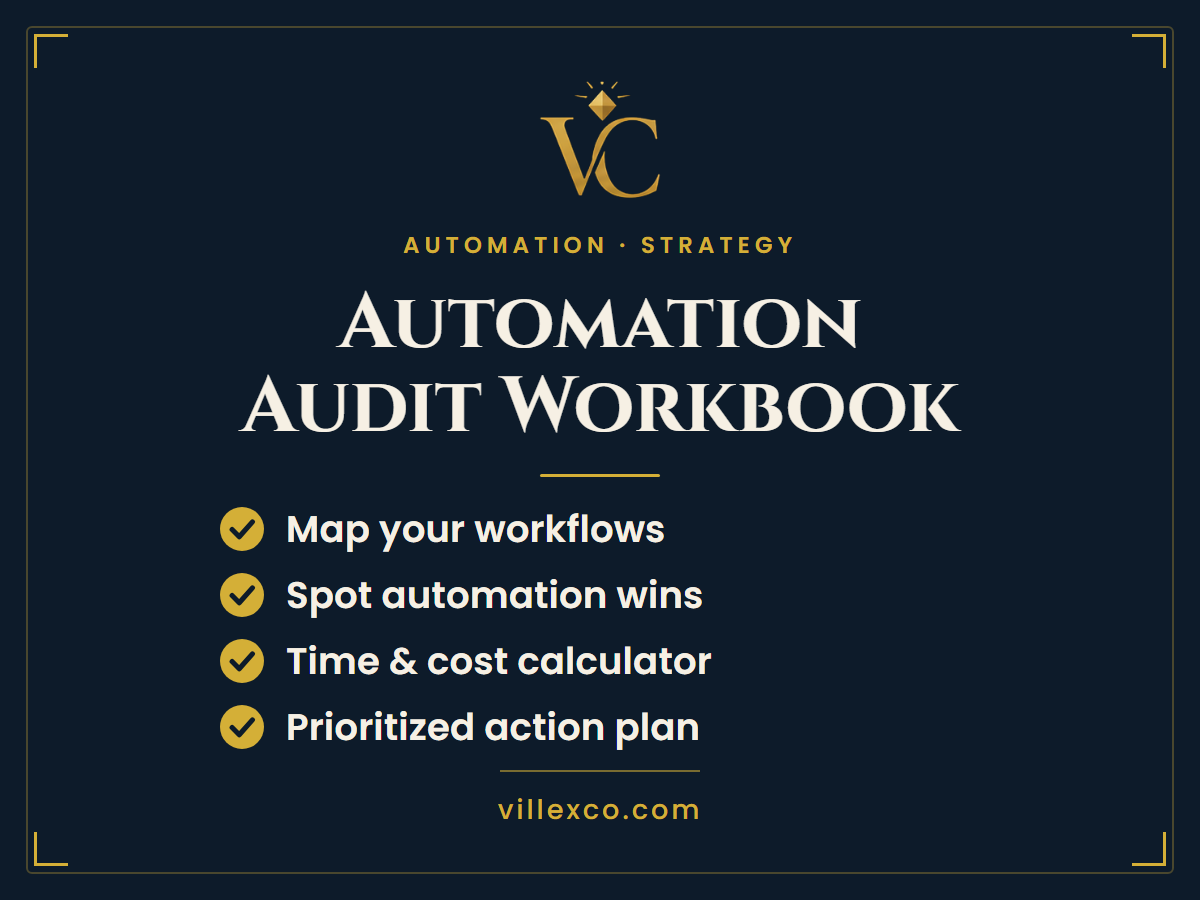
Automation Audit Workbook
An audit workbook that walks you through every repeat task in your business so you know exactly what to automate first, and what to leave alone.
Want updates like this in your inbox?
One short note a month with the tool we'd reach for in your situation. Free starter kit included on signup.