
A bookkeeper’s first month with a new client is almost always overpriced relative to every month after, and not because the bookkeeper is gouging. It is because the first month is a cleanup month, uncategorized transactions, duplicate accounts, broken bank feeds, missing vendor records. The cleaner the books are before the bookkeeper arrives, the smaller the first invoice. A weekend of pre-cleanup typically saves the client several hundred dollars on month one and shortens the engagement’s ramp by two to four weeks.
This is the checklist Villex Bookkeeping wishes every prospective client had done before our first kickoff call. Ten items, in order, plain English, no jargon. Do them on a Saturday and you will pay less and start cleaner.
Why pre-cleanup is worth your time
The math is simple: a bookkeeper bills cleanup at the same hourly rate they bill ongoing work, but cleanup takes three to five times longer per unit of progress. An uncategorized year of transactions can be 20 hours of work; the same year cleanly categorized is a four-hour review. At a $75 hourly rate, that is a $1,200 difference on the first invoice.
You are not trying to do the bookkeeper’s job. You are clearing the underbrush so they can do their job efficiently.
The 10-item pre-cleanup checklist
1. Reconcile every bank account through the end of last month
Open QuickBooks Online > Banking > Reconcile. For each linked account (operating, savings, business credit card, PayPal), reconcile through the last day of the most recent closed month. Match the QBO ending balance to the bank statement ending balance. If you have never reconciled, start with the most recent month and work backward.
This is the single highest-leverage item on the list. A bookkeeper with reconciled accounts can start working immediately. Without it, they spend their first ten billable hours chasing balances.
2. Categorize every transaction in the For Review tab
Banking > For Review. Categorize everything sitting there. If you do not know the right category, guess and add a note, the bookkeeper will fix it but at least the transaction is no longer floating.
The For Review queue is the single most visible sign of a neglected QBO file. A bookkeeper who logs in to 800 uncategorized transactions assumes (correctly) that the rest of the file is in the same shape.
3. Delete or merge duplicate vendors and customers
Sales > Customers and Expenses > Vendors. Sort alphabetically. Spot duplicates, “AT&T,” “AT and T,” “ATT,” “AT&T Mobility.” Merge them. The same goes for customers entered with slight spelling variants.
Duplicates inflate reports, scramble 1099 totals, and force the bookkeeper to clean them later. A 15-minute alphabetical scan catches most.
4. Fix the chart of accounts
Accounting > Chart of Accounts. Open. Scan for: accounts with zero transactions in the last 12 months (mark inactive), accounts with names that no longer match reality (“New Bank Account” from 2023), and accounts that overlap (two different “Office Supplies” entries).
A clean chart of accounts is the bookkeeper’s working tool. They can rebuild it but it is far cheaper for you to clean up what is obviously wrong.
5. Match deposits to actual sales income
Sales > All Sales. Confirm that bank deposits in the operating account match invoices marked Paid. Common mismatches: a deposit recorded as “Income” with no linked invoice (creating a duplicate revenue entry), or an invoice marked Paid but no deposit recorded.
This one is technical but worth attempting. If you cannot resolve a mismatch, flag it with a note and move on; the bookkeeper will handle.
6. Tag personal expenses paid from business accounts
Every solo business owner has a few of these. A coffee purchased on the business card during personal time. A grocery run. A subscription that is half personal, half business. Categorize these as Owner Draw (not as a business expense) so the bookkeeper does not have to ask about each one.
If you have been mixing personal and business expenses heavily, the bookkeeper will need to talk through them. Identify them in advance so the conversation is shorter.
7. Update vendor 1099 status
Expenses > Vendors > [each contractor or 1099-eligible vendor]. Confirm: Track payments for 1099 is checked, the tax ID is filled in, the address is correct. A bookkeeper preparing year-end 1099s with incomplete vendor records spends hours chasing W-9s; you can collect them now.
8. Confirm sales tax setup if you collect sales tax
Taxes > Sales Tax. Confirm the agency, rate, and filing frequency match your actual obligations. Sales tax misconfiguration is one of the most common findings in a new-client review and one of the most expensive to unwind.
9. Pull a Profit and Loss report and read it
Reports > Profit and Loss. Set the date range to year-to-date. Read the report top to bottom. Note anything that looks wrong: a category total that is too high, a category that should have entries but does not, an income line you do not recognise.
Note these in a notes file. Send the file to the bookkeeper before kickoff. They will appreciate the head start and you will avoid being surprised in the kickoff call.
10. Gather access for the bookkeeper
Before the kickoff: prepare the bookkeeper invitation. Settings > Manage Users > Add accountant. They will receive an email invitation and create their own login. Have the credentials for any non-QBO platform they may need (Stripe, PayPal, Shopify, your bank if not feed-linked) ready in a password manager you can share securely.
Do not email passwords. Use a password manager with sharing (1Password, Bitwarden) or a one-time-link service (Privatebin).
The 10-item quick reference
- Reconcile every bank account through the end of last month
- Categorize everything in the For Review tab
- Delete or merge duplicate vendors and customers
- Fix the chart of accounts (inactivate stale, fix names, merge overlaps)
- Match deposits to actual sales income
- Tag personal expenses as Owner Draw
- Update vendor 1099 status (TIN, address, check the box)
- Confirm sales tax setup matches obligation
- Pull a P&L, read it, note anomalies
- Prepare bookkeeper access via Accountant invite
A weekend, $300 saved
The full list is a weekend of focused work, five to eight hours total. The savings on the bookkeeper’s first invoice typically cover that weekend three times over. Beyond the money, the cleaner handoff means the bookkeeper starts producing useful reports in week one rather than week four.
If you have a complex QBO file (multiple entities, payroll integrations, inventory, multi-currency), this checklist still applies, but additional items will surface during the cleanup. Note them in a “questions for bookkeeper” file rather than trying to solve them yourself.
When to hire a bookkeeper anyway, mid-mess
If your books are messy and you do not have a weekend to clean them, hire the bookkeeper anyway. The first month will cost more, but a messy QBO file is silently costing you decisions every day, wrong cash projections, wrong tax accruals, wrong P&L. A bookkeeper inheriting a mess will untangle it; a business owner ignoring a mess will keep operating on bad data.
The point of the checklist is not “do not hire until clean.” The point is “if you have a weekend, clean before hiring.”
Want the editable checklist?
The Villex Co Bookkeeping Starter Kit for $37 gives you the structure that keeps a file clean once it is: a 10-section setup guide that covers the 8 QuickBooks Online settings most new users skip, a pre-built numbered chart of accounts you import straight into QuickBooks Online, a month-end close checklist you run on the first business day of each month, and an income and expense tracker that works in Excel or Google Sheets. PDF, CSV, and Excel .xlsx, instant download. It will not do the cleanup for you, you still do the entry and the close, but it sets up the file so it does not drift back into a mess.
One practical post like this every two weeks. No spam. Get on the newsletter →
Results will vary. For educational purposes only. Not affiliated with, endorsed by, or approved by Intuit. “QuickBooks” is a trademark of Intuit Inc. © 2026 Villex Entreprises LLC.
The tool that does this for you
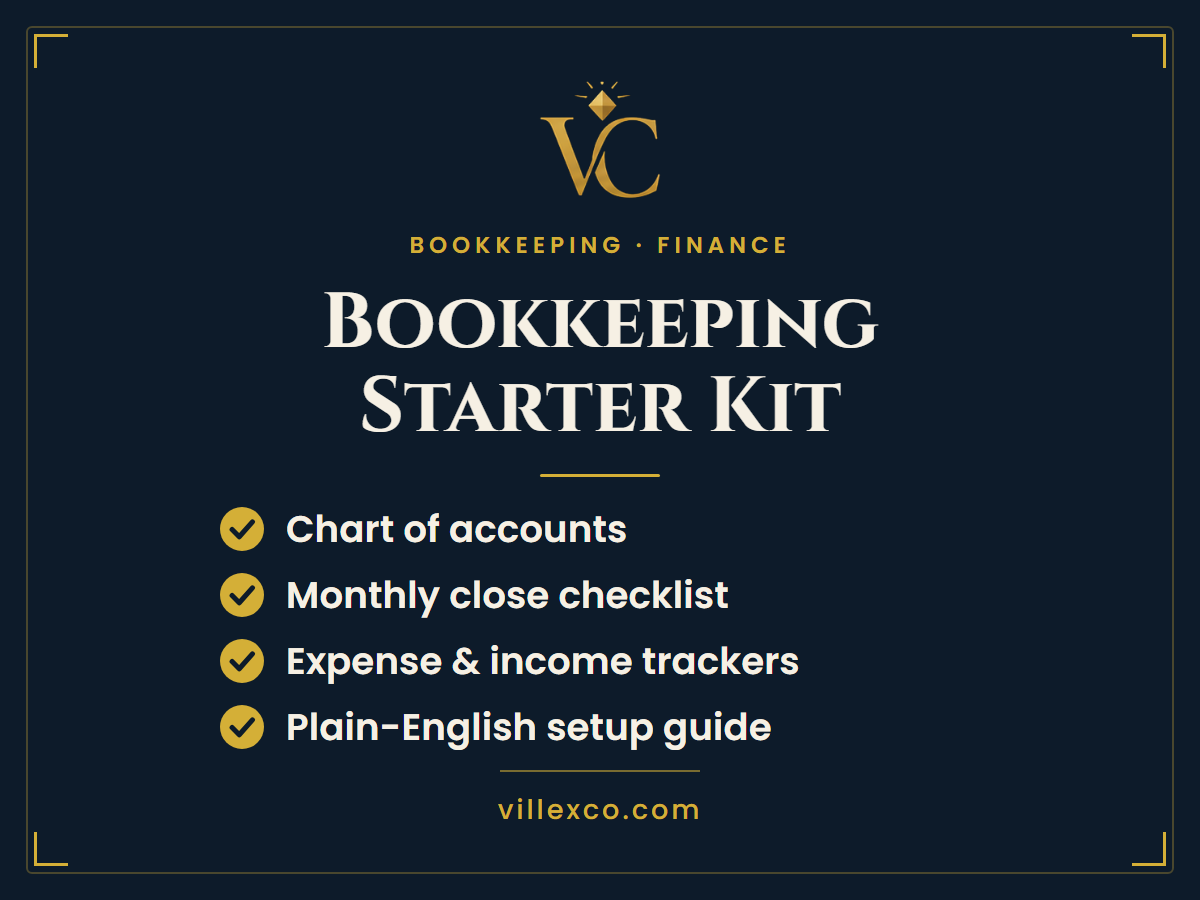
Bookkeeping Starter Kit
A starter kit for new business owners who keep finances in their head, chart of accounts, expense tracker, and month-end close checklist.
Want updates like this in your inbox?
One short note a month with the tool we'd reach for in your situation. Free starter kit included on signup.